Interface redesign
Improved visual hierarchy, form controls, link generation, and recipient-facing password and status screens.
 RELIX
Custom Web Application
A clearer way to share a secret.
A redesigned secret-sharing tool for Miles Beckler, with a clearer interface, optional password protection, and one-time links.
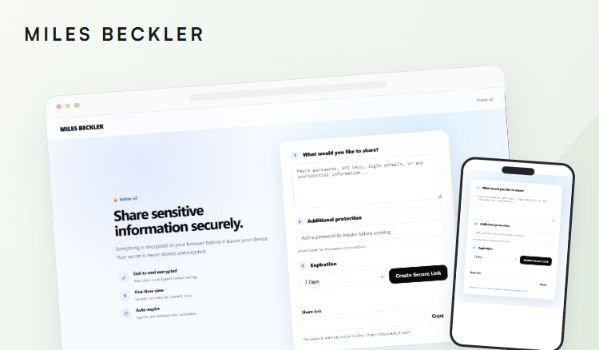
Miles already had a password-sharing tool at /locker. He wanted a cleaner experience for sharing confidential information, with reliable password protection, expiration settings, and one-time viewing.
Locker v2 modernizes the existing utility with a responsive two-column interface, clearer form sections, and understandable success and unavailable-link states. The workflow stays simple: create a secret, share the link, and open it once.
Improved visual hierarchy, form controls, link generation, and recipient-facing password and status screens.
Connected JavaScript and PHP endpoints, resolving duplicated elements, persistent loading states, broken JavaScript, and inconsistent one-time viewing behavior.
Developed and tested under /locker-v2, created server-side backups, updated application paths, and deployed to /locker with rollback copies retained.
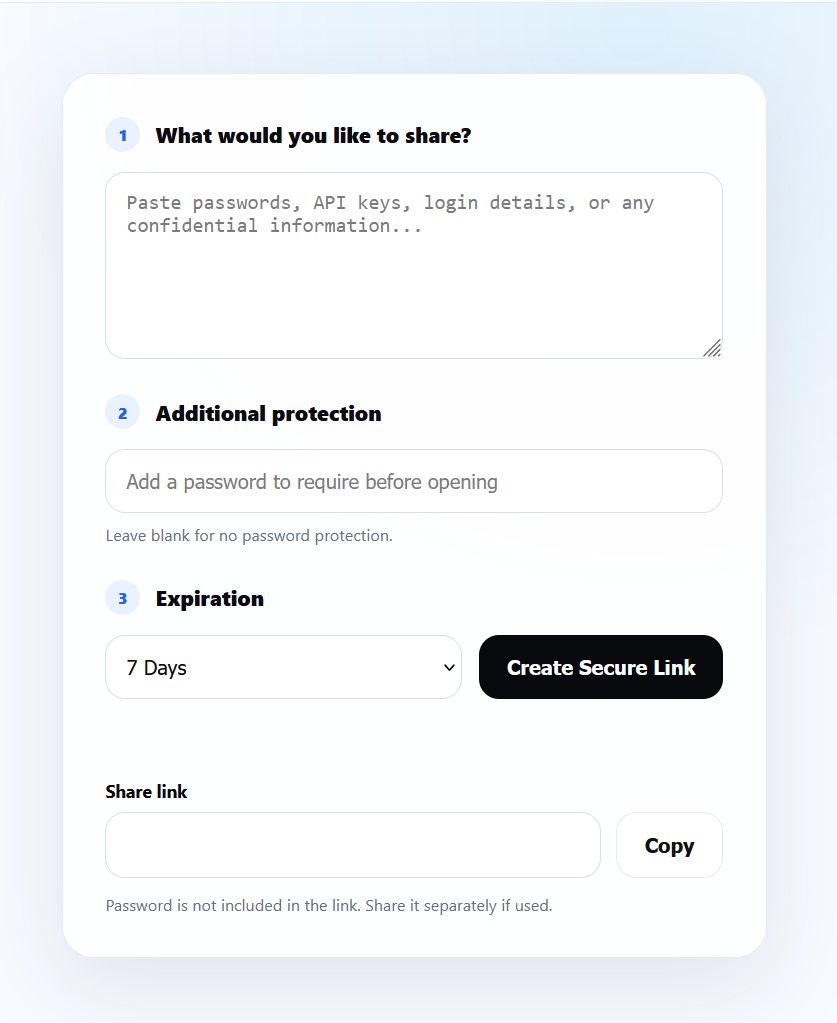
Enter a secret, optionally add a password, and select an expiration period. The default changed from 24 hours to seven days.
Generate and copy a unique link. When password protection is used, share the password separately from the link.
The recipient unlocks the secret if required. A successful opening shows the message and confirms the link cannot be reused. Unavailable links receive a clear explanation.
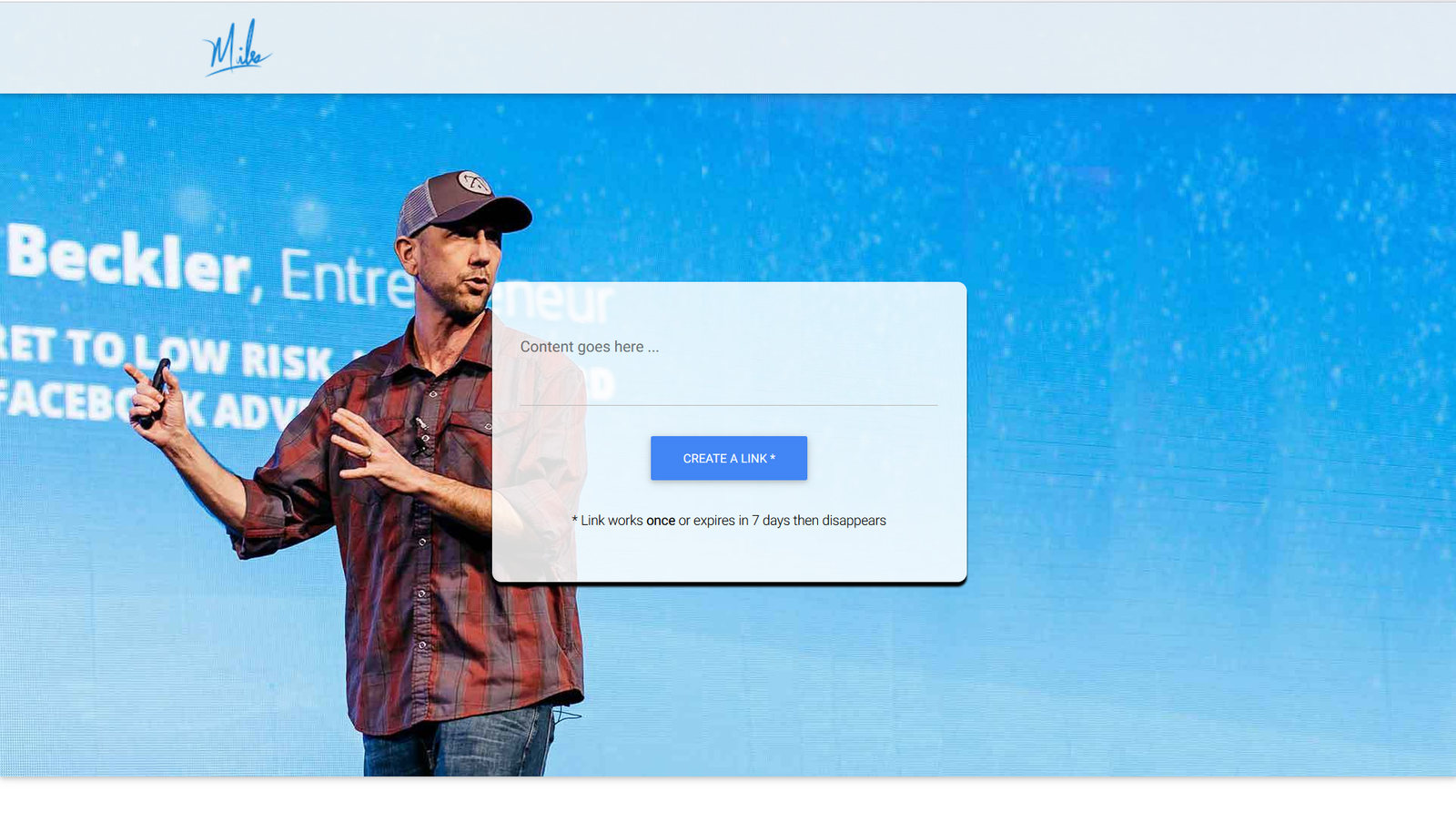
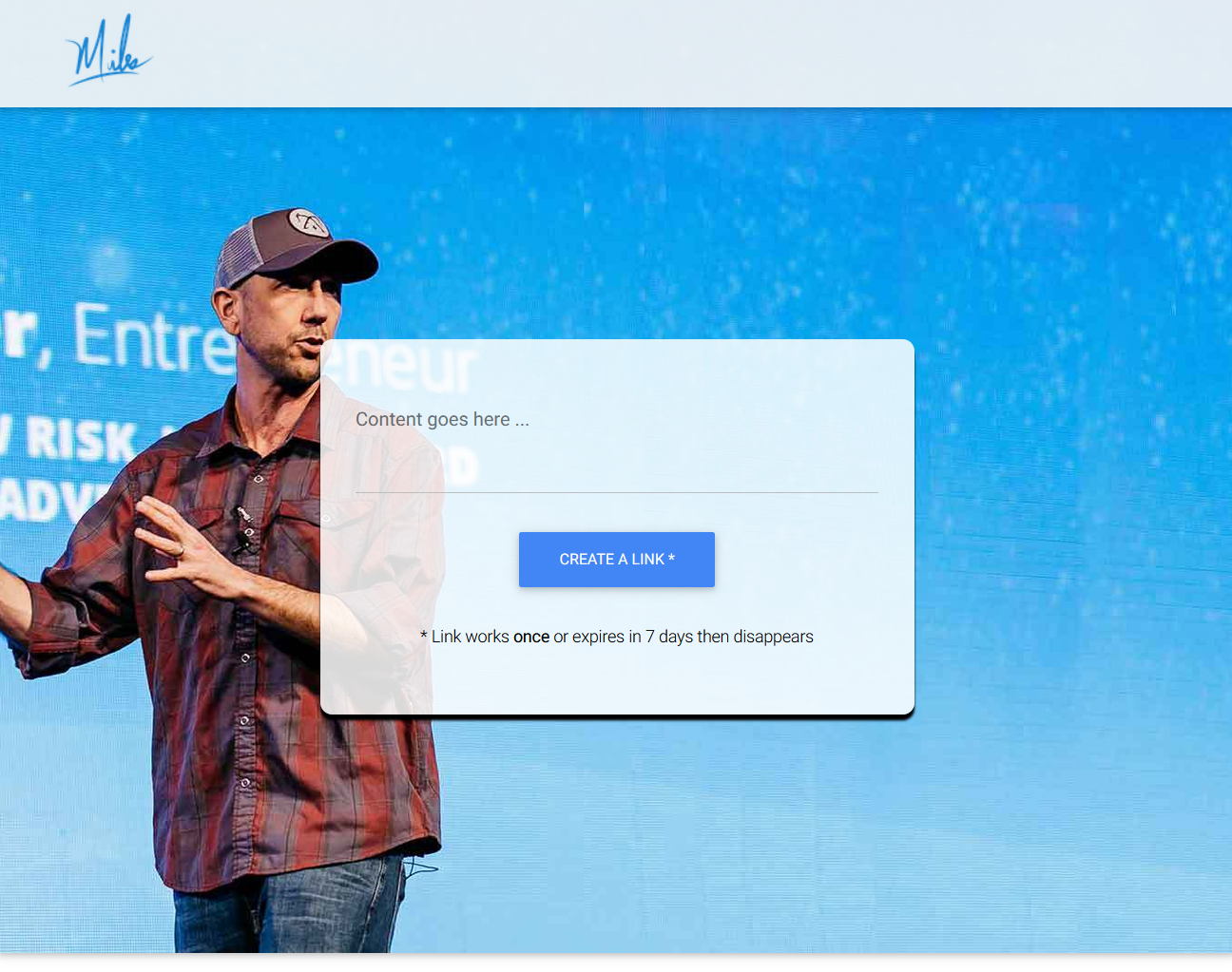
The existing utility before the Locker v2 redesign.
From creating a link to opening a secret and handling a link that is no longer available. Select any screenshot to enlarge it.
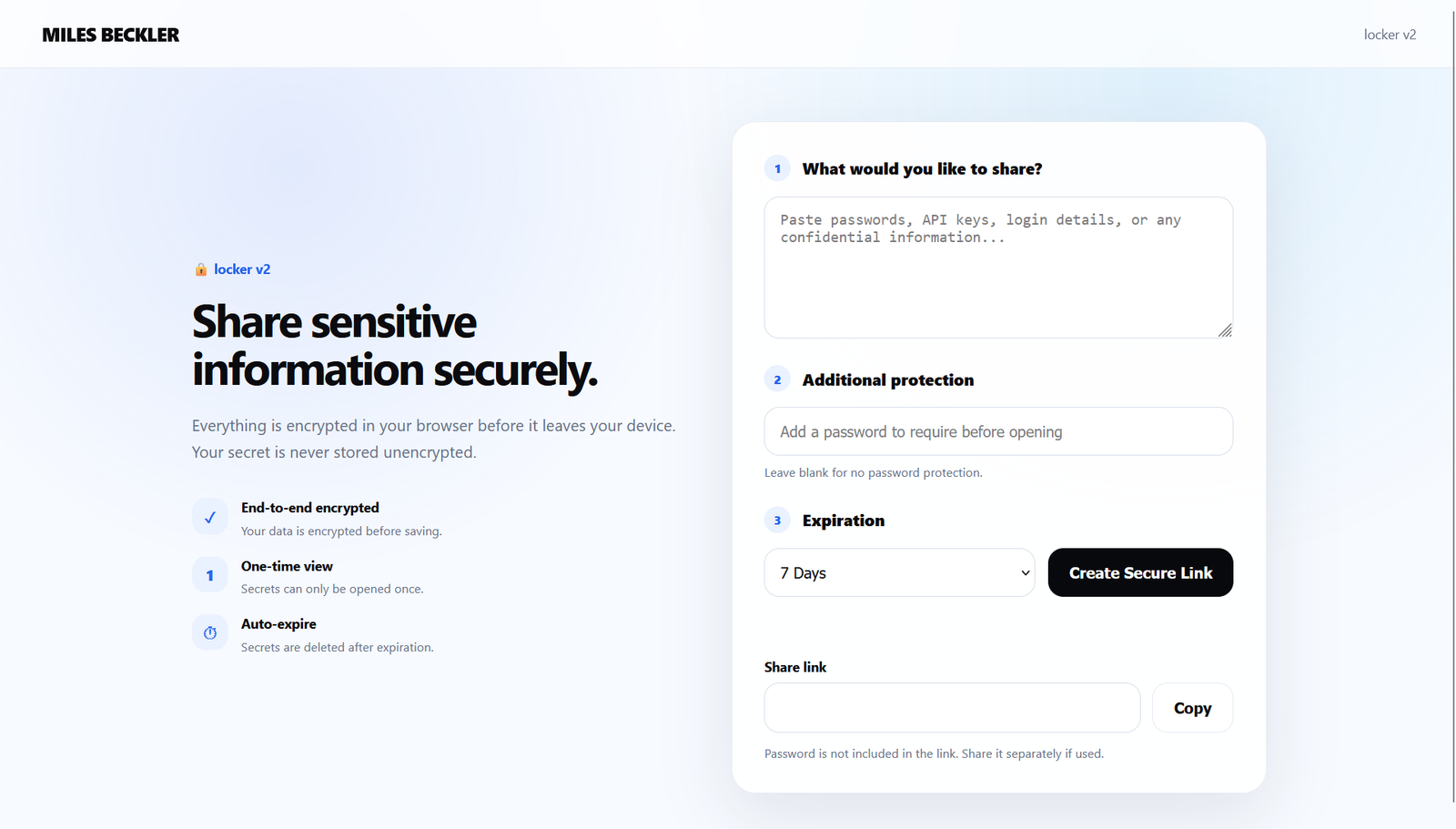
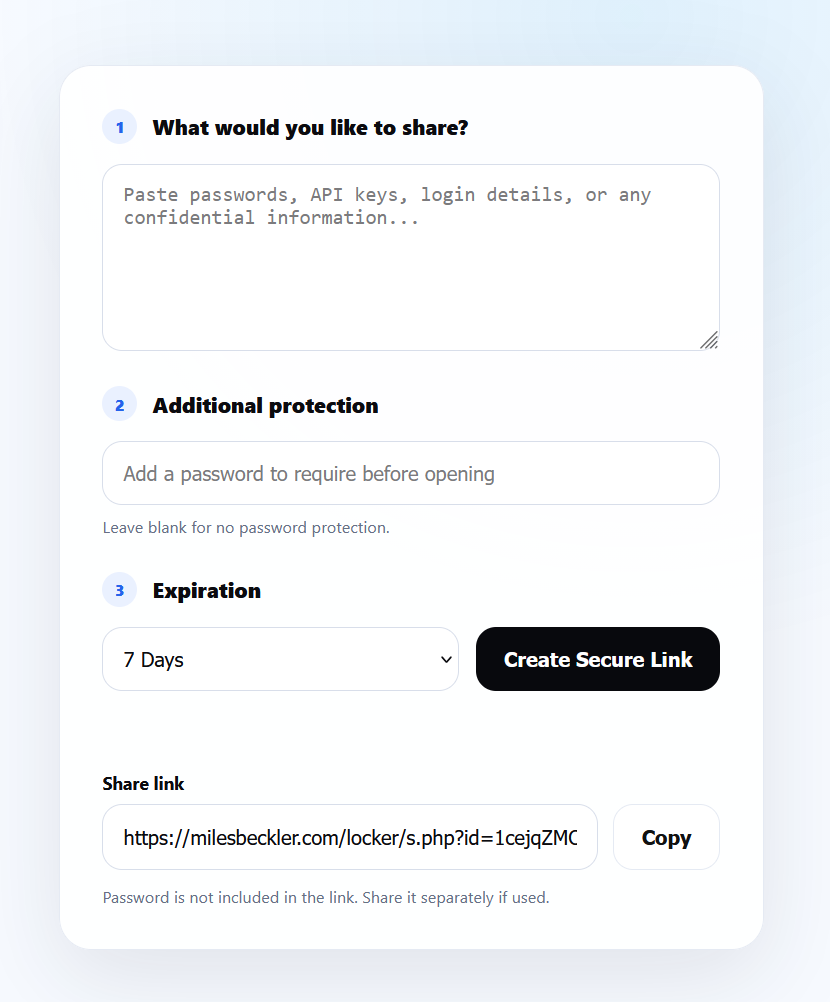
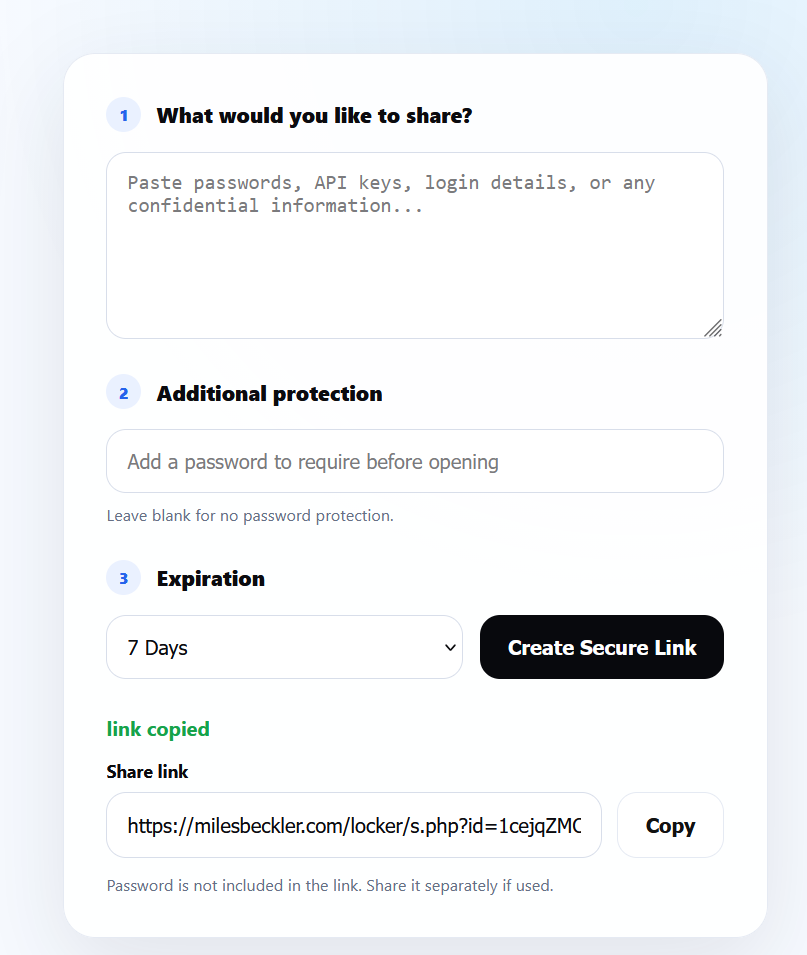
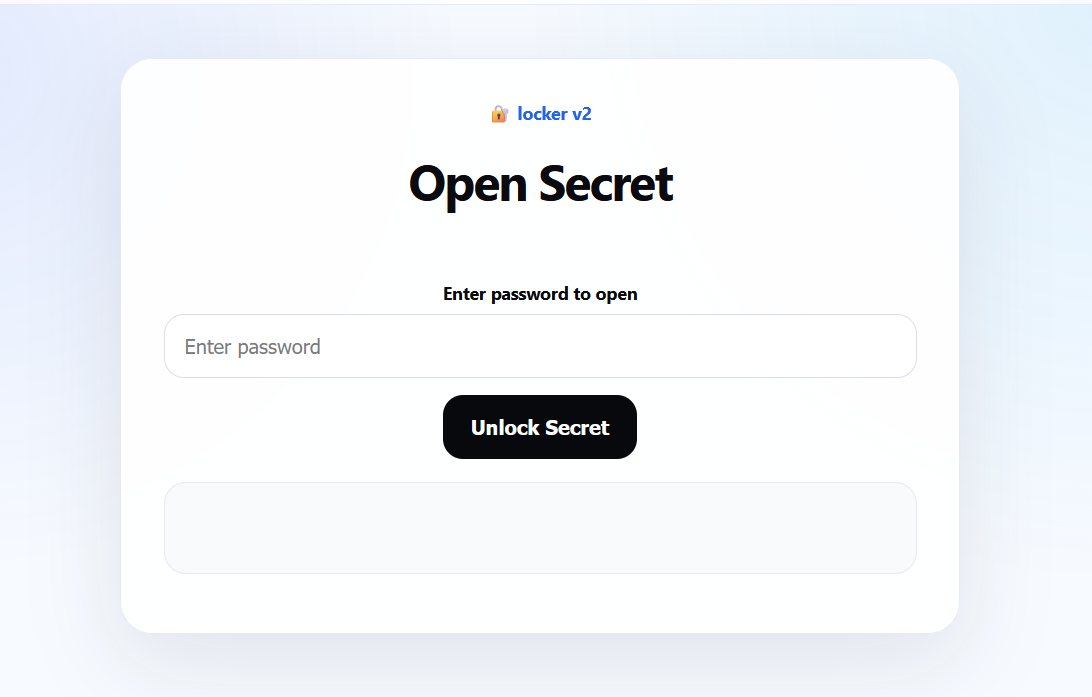
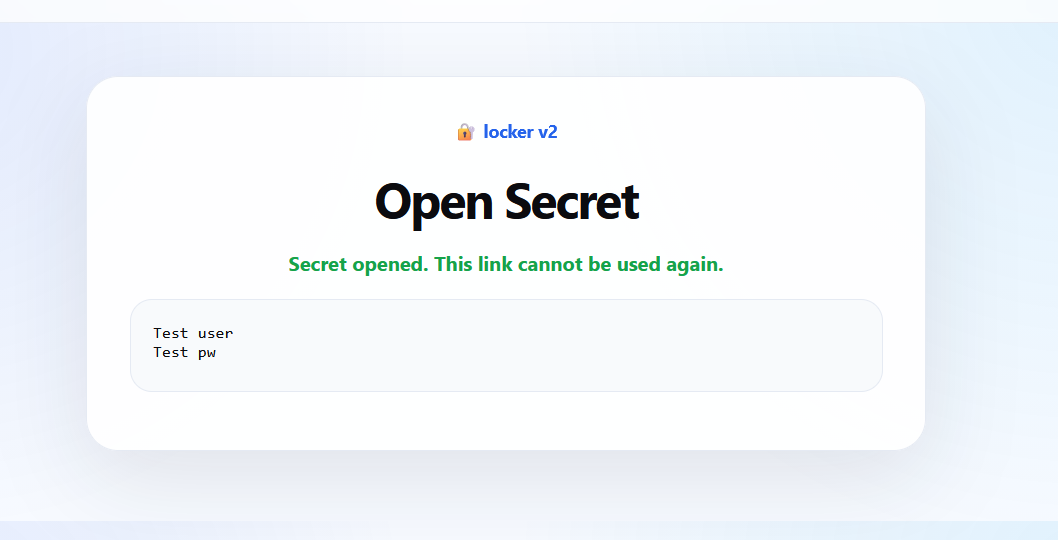
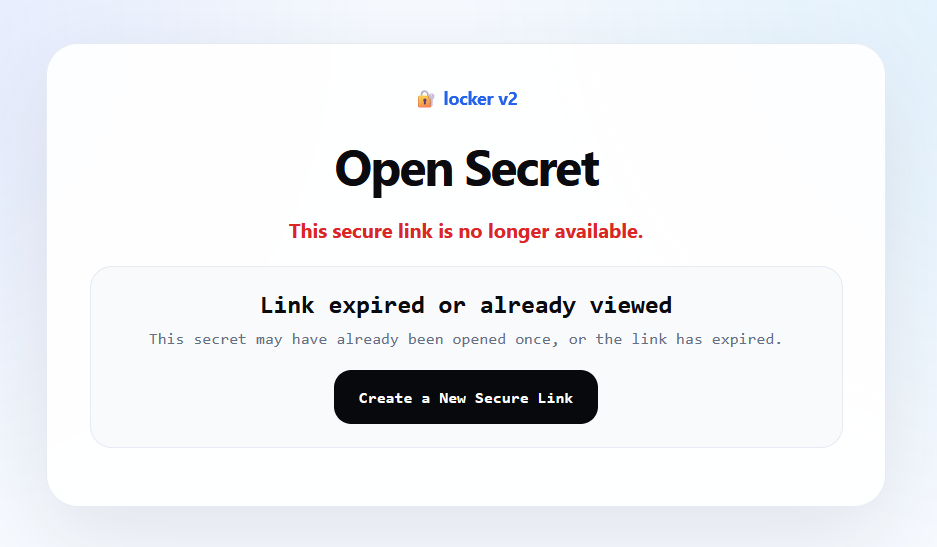
Locker v2 was deployed to /locker, with the production homepage returning HTTP 200. Project testing confirmed that password-protected secrets could be opened and a consumed link could not be reopened.
iPad testing also surfaced a browser password-autofill issue, and a mitigation was prepared.
“Love it... it's much nicer than the old one!”
The evidence below reflects the project record and functional testing. A complete cryptographic audit was not documented.
| Feature | Evidence and limits |
|---|---|
| Browser-side encryption | The application was described as encrypting in the browser, and its JavaScript/PHP workflow was tested. A complete cryptographic code audit was not documented. |
| Optional password protection | Password-protected secrets were created and unlocked successfully in testing. |
| Expiration | Seven days became the default and maximum TTL in the inspected configuration. Automatic expiration at the deadline was not independently verified. |
| One-time viewing | A secret was opened, and subsequent retrieval returned an unavailable response. Concurrent access behavior was not tested. |
| Secret deletion | The retrieval workflow made the secret unavailable after opening. Physical deletion from persistent storage or backups was not independently confirmed. |