Application deployment
Deployed FreeScout v1.8.99 on WHM/cPanel with PHP, Apache, and Laravel. Completed setup and database migrations, then fixed URL paths, login redirects, rewrite rules, permissions, and missing CSS/JavaScript assets.
 RELIX
Helpdesk Deployment & Email Integration
Self-hosted support, connected.
A self-hosted FreeScout helpdesk for Miles Beckler, connected to the Ask Angels support mailbox and configured for everyday customer support.
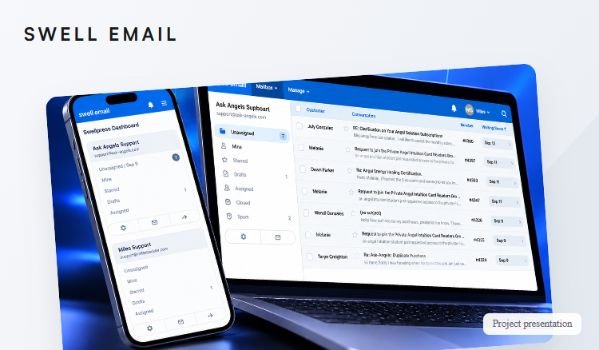
Miles wanted a self-hosted alternative to Freshdesk without interrupting customer support. The helpdesk needed to run in a subdirectory, connect to the existing email infrastructure, and support the team’s everyday workflow.
I installed and configured FreeScout at swellemail.com/tickets, resolved deployment issues, and connected the Ask Angels support mailbox. Freshdesk remained active while the new helpdesk was tested.
Deployed FreeScout v1.8.99 on WHM/cPanel with PHP, Apache, and Laravel. Completed setup and database migrations, then fixed URL paths, login redirects, rewrite rules, permissions, and missing CSS/JavaScript assets.
Connected the support mailbox through IMAP and outgoing mail through SMTP. Worked on scheduled fetching and tested ticket creation, customer replies, internal notes, and forwarding.
Corrected a Cloudflare-routed mail hostname pointing to an outdated server IP and resolved an SSL certificate hostname mismatch blocking IMAP. Added a cPanel filter for repeated assessment notifications.
FreeScout connects directly to the existing support mailbox through IMAP and fetches incoming messages.
Incoming messages become conversations using FreeScout’s built-in ticket management. Staff can review messages, add internal notes, and forward conversations.
Staff respond through the helpdesk, with outgoing email configured through SMTP. Replies and core support functions were tested during the rollout.
Ticket management features are provided by FreeScout. My contribution was installing, configuring, integrating, troubleshooting, and testing the system.
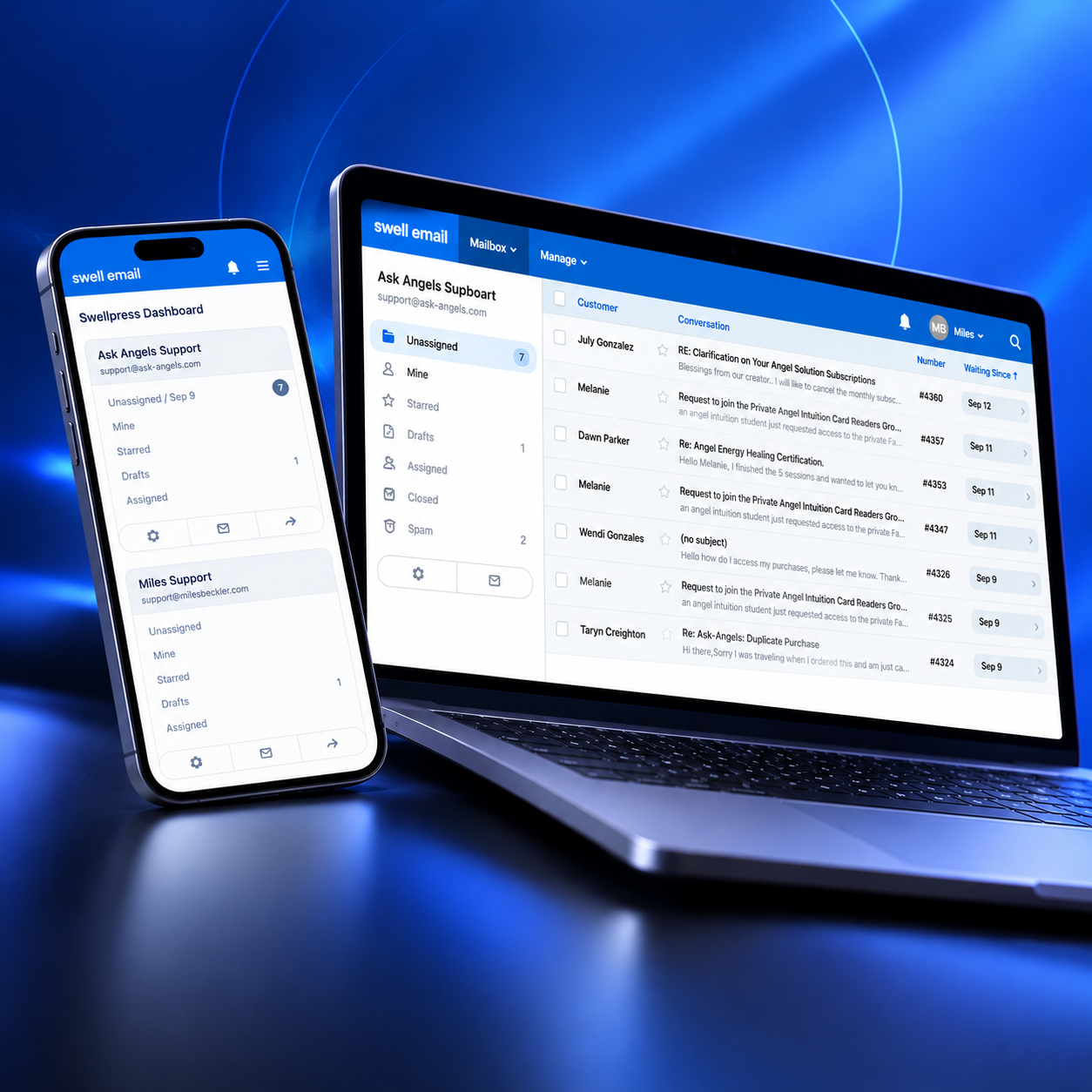
Delivered a self-hosted FreeScout helpdesk for Swell Email, with the application, login, dashboard, and frontend assets working at /tickets.
The existing support mailbox was connected for incoming and outgoing email. Ticket creation, customer replies, internal notes, and forwarding were configured and tested, giving the team a central workspace for handling support conversations.
The delivery brought together application deployment, email integration, and server troubleshooting while keeping the existing support service running.
| Area | Work completed |
|---|---|
| Application deployment | FreeScout v1.8.99 installed on a WHM/cPanel server using PHP, Apache, and Laravel, with setup and database migrations completed. |
| Subdirectory routing | Resolved URL paths, login redirects, Apache rewrites, permissions, and asset loading for deployment under /tickets. |
| Mailbox connectivity | Connected support@ask-angels.com using IMAP and configured SMTP. Corrected outdated DNS routing and an SSL hostname mismatch affecting the connection. |
| Operational checks | Tested incoming ticket creation, replies, internal notes, and forwarding. Worked on scheduled email fetching and added a cPanel filter for repeated assessment notifications. |
| Rollout boundary | Freshdesk forwarding stayed active during parallel testing. Claudine and Cyan were proposed as initial users. The documented outcome is soft rollout, not a completed migration. |